
Small web tasks have a habit of interrupting larger work. A client sends an image in the wrong format. A title needs a clean URL. A campaign link needs tracking. A colour looks attractive but may be unreadable. None of these jobs deserves a complicated subscription or a thirty-minute setup.
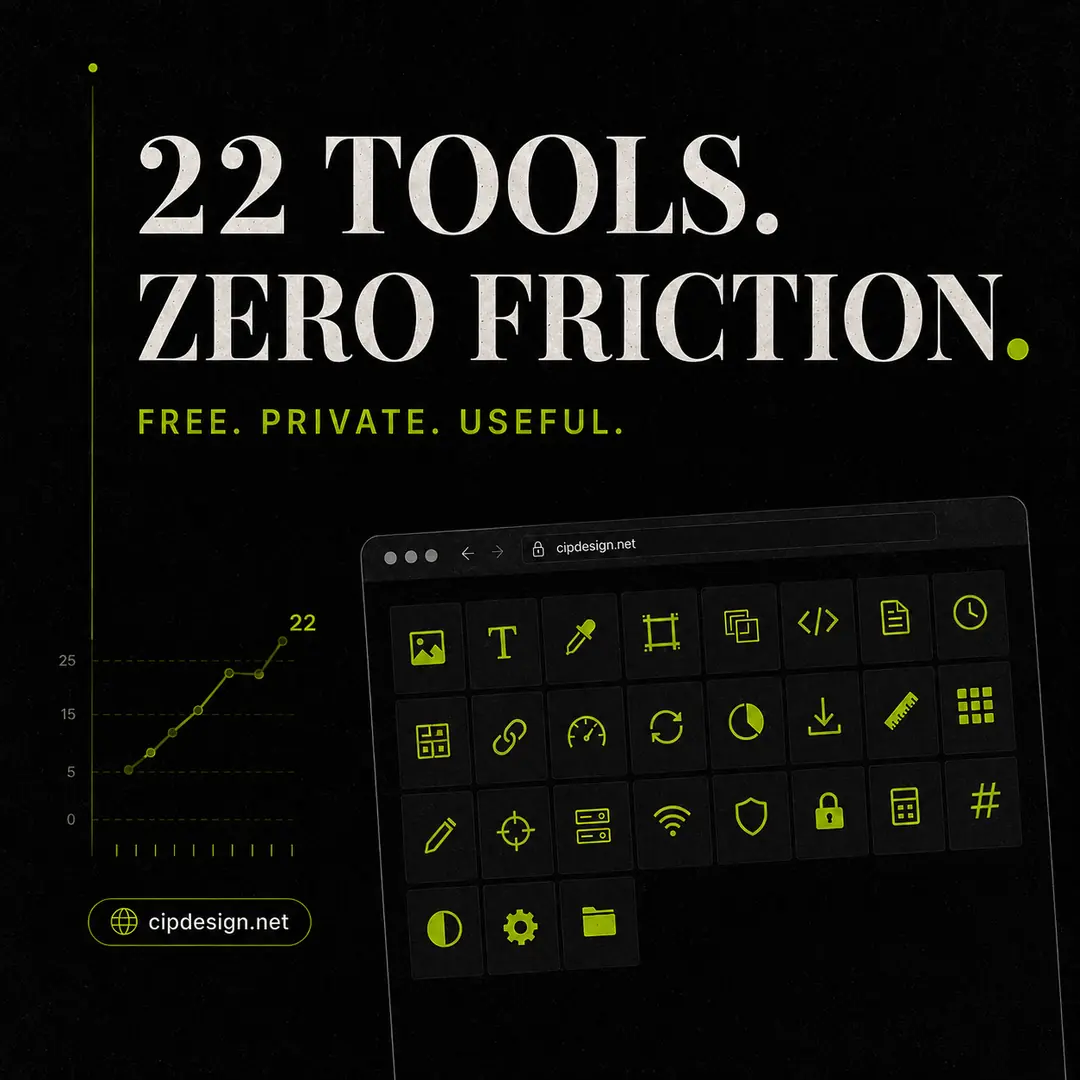
The Cipdesign tool collection brings together 22 focused utilities for the tasks designers, marketers and small businesses repeat every week. They are free, require no account and run in the browser.
Six tools for images
Convert JPG, PNG and GIF files with the WebP converter, or reverse an awkward client file with WebP to JPG. Reduce photo weight with the image compressor and create exact social or web dimensions with the image resizer.
The favicon generator produces six common icon sizes and the matching HTML. The Base64 encoder turns small assets into data URIs where embedding them directly is appropriate.
Five tools for text and social content
The text formatter creates Unicode styles for bios and captions. The word counter reports words, characters, estimated reading time and repeated terms. A case converter returns ten naming styles, while the lorem ipsum generator provides controlled placeholder copy for layouts.
The text cleaner is especially useful when copy arrives from PDFs, email or office software with broken line endings, smart punctuation or invisible characters.
Four tools for colour
The colour converter translates HEX, RGB, HSL and CMYK values and supplies a CSS variable. The WCAG contrast checker tests actual foreground and background combinations. The palette extractor identifies dominant colours in an image, and the gradient generator creates linear, radial or conic CSS with a live preview.
Four focused SEO tools
The Google SERP preview shows how a title and description fit by pixel width. The meta tag generator assembles title, description, canonical, Open Graph and Twitter card tags. The slug generator handles Romanian and other European diacritics, and the UTM builder creates consistently tagged campaign links.
Three web and business utilities
The box-shadow generator provides visual CSS controls for offset, blur, spread, colour and inset. The password generator uses browser cryptography and displays an entropy estimate. The VAT calculator adds or extracts tax and shows net, VAT and gross values side by side.
Why browser-based processing matters
Many free converters upload a file, process it remotely and return a download. Cipdesign’s image, colour and text tools use standard browser capabilities, so those files remain on your device. Local processing also avoids upload queues and service-imposed file size limits.
Build a small workflow, not a large toolbox
You do not need to use all 22 tools. Bookmark the three or four that remove the most friction from your work. A typical publishing workflow might resize and compress an image, convert it to WebP, clean the pasted copy, preview the search snippet and build a tagged campaign URL.
For a broader diagnosis, use the 26-check website audit. To understand whether a weakness actually matters in your market, run the same page through the competitor comparison.